Cyberpunk 2077 on AMD RX 6800 & 6800 XT: My 2026 Graphics Settings
Optimize Cyberpunk 2077 settings for RX 6800 and RX 6800 XT to achieve smooth 1440p gameplay with balanced FSR 2.1 and tuned ray tracing.
Let’s be real, chooms: it’s 2026, and the RX 6800 and RX 6800 XT are not exactly spring chickens anymore. 🐔 Sure, the RX 7800 XT has grabbed the spotlight, but these RDNA 2 workhorses still have plenty of gas in the tank for Cyberpunk 2077—especially if you stop treating the settings menu like a slot machine. I’ve spent way too many hours faffing about in Night City’s graphics options, so here’s my two cents on getting a smooth, good-looking ride without your framerate face-planting into the pavement.
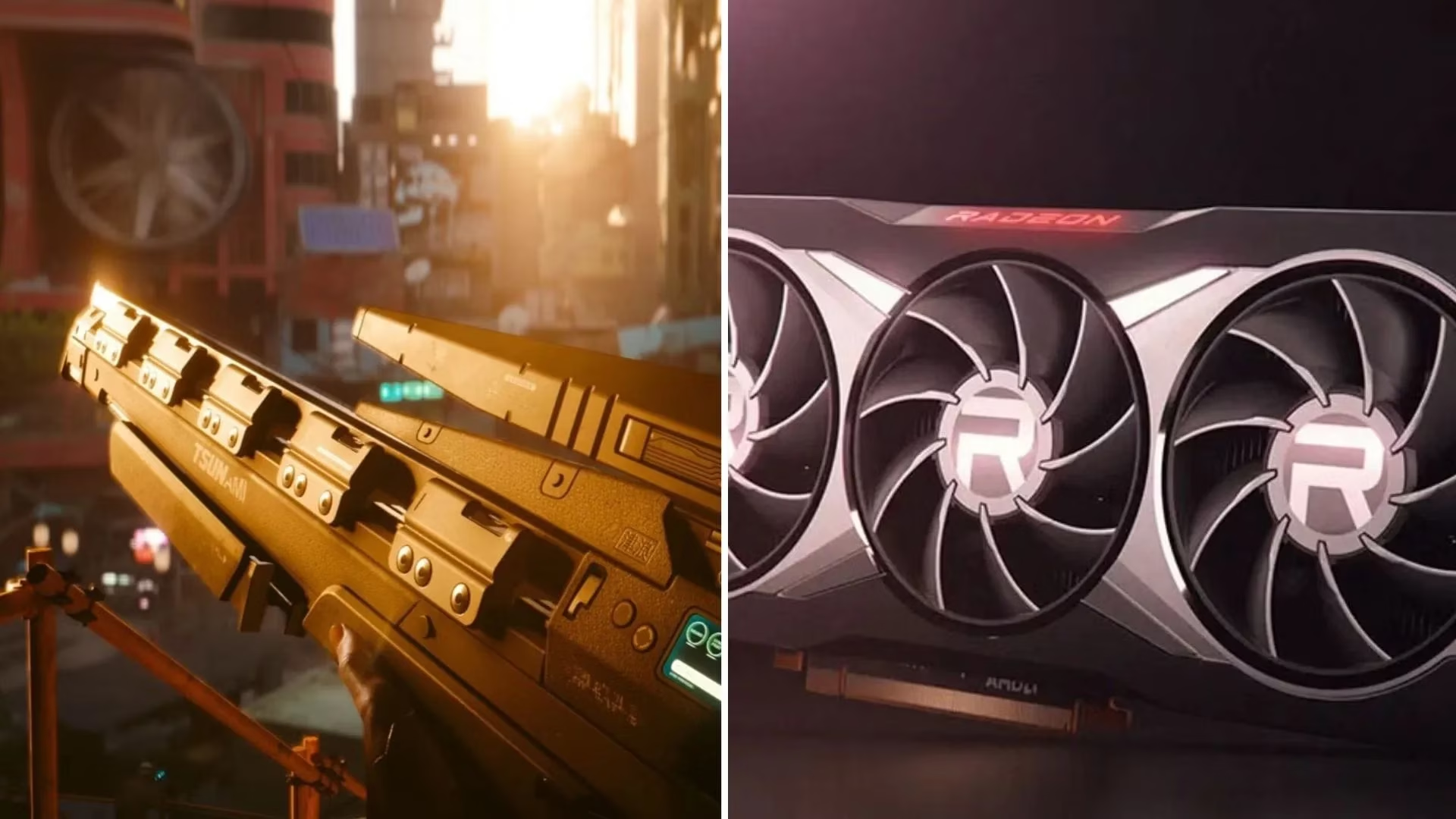
My golden rule? Don’t chase native 4K Ultra like a gonk. Cyberpunk is a beast, and even in 2026, the latest updates and Phantom Liberty-era content still chew through GPU cycles like they’re going out of style. I run both cards at 1440p with FSR 2.1 Balanced, keep ray tracing on but tame, and let the art direction do the heavy lifting.
The Setting Sweet Spot: RX 6800 vs RX 6800 XT 🎯
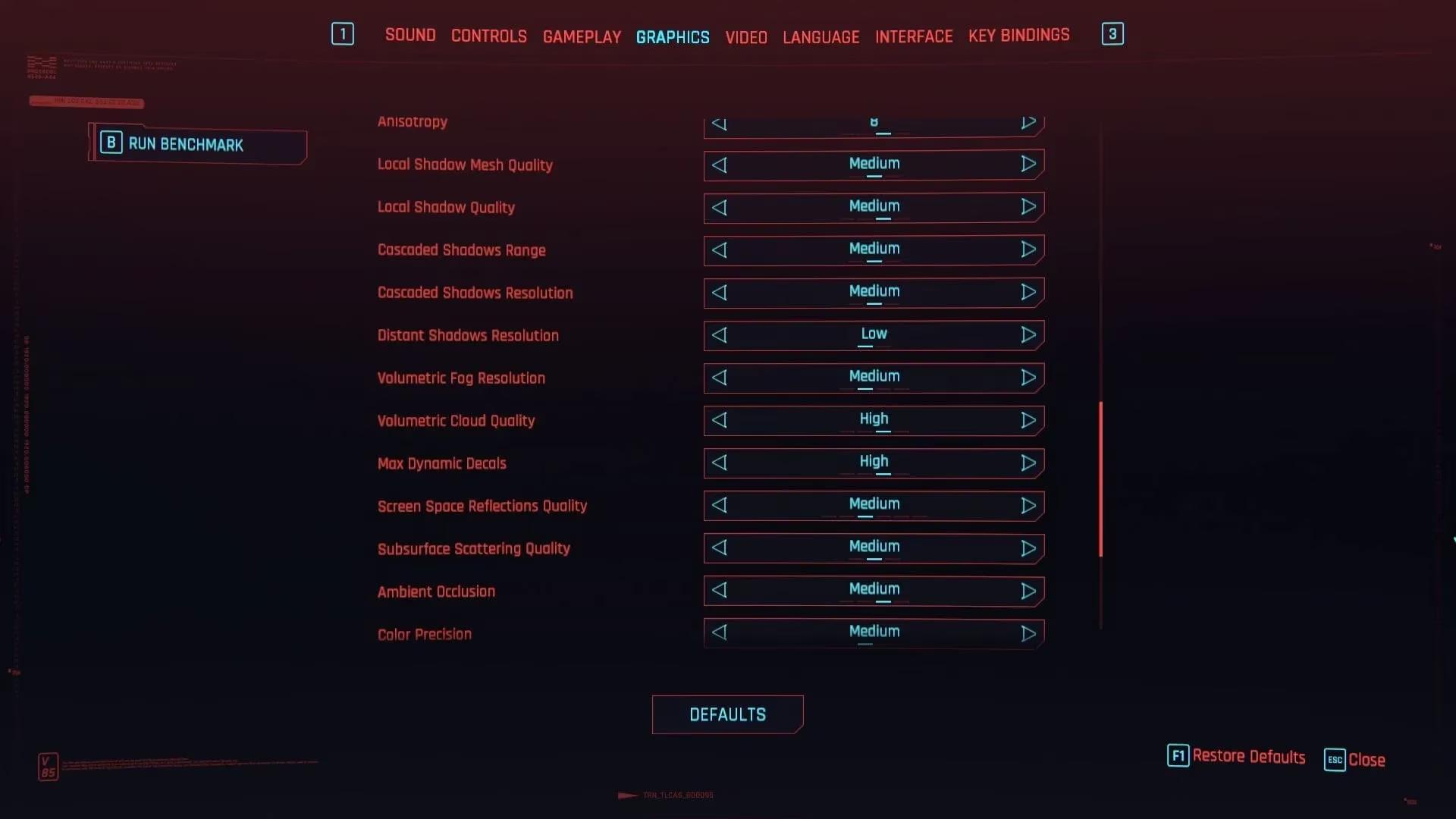
Below is my personal cheat sheet for both cards. The RX 6800 needs a slightly gentler touch, while the 6800 XT can flex a bit harder. Keep the differences in mind, especially around ray-traced lighting and shadow quality—they’re the secret sauce between a stable ride and a stuttery mess.
| Setting | RX 6800 | RX 6800 XT |
|---|---|---|
| Quick preset | Custom | Custom |
| Texture quality | High | High |
| DLSS frame generation | N/A | N/A |
| DLSS Super Resolution | N/A | N/A |
| Nvidia DLAA | Off | Off |
| Dynamic resolution scaling | Off | Off |
| AMD FidelityFX Super Resolution 2.1 | Balanced | Balanced |
| AMD FSR 2.1 image sharpening | Off | Off |
| Intel Xe Super Sampling 1.1 | Off | Off |
| Field of view | 80 | 80 |
| Film grain | On | On |
| Chromatic aberration | On | On |
| Depth of field | On | On |
| Lens flare | On | On |
| Motion blur | High | High |
| Contact shadows | On | On |
| Improved facial lighting geometry | On | On |
| Anisotropy | 8 | 8 |
| Local shadow mesh quality | High | High |
| Local shadow quality | Medium | High |
| Cascaded shadows range | Medium | High |
| Cascaded shadows resolution | High | High |
| Volumetric fog resolution | High | High |
| Volumetric cloud quality | Ultra | Ultra |
| Max dynamic decals | Ultra | Ultra |
| Screen space reflection quality | High | High |
| Subsurface scattering quality | High | High |
| Ambient occlusion | High | High |
| Color precision | High | High |
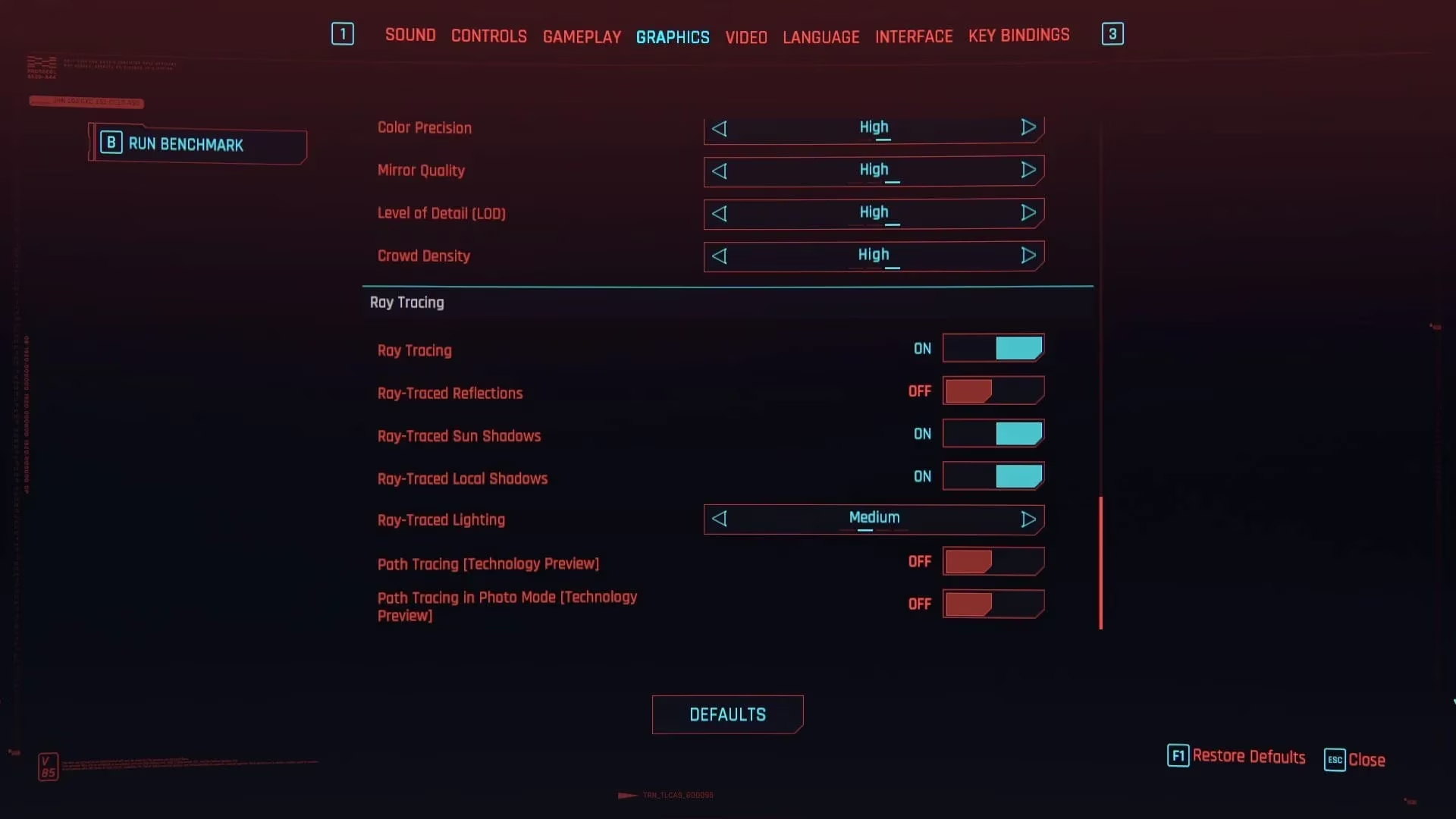
| Mirror quality | High | High |
| Level of Detail (LOD) | High | High |
| Crowd density | Low | Low |
| Ray tracing | On | On |
| Ray-traced reflections | Off | Off |
| Ray-traced sun shadows | On | On |
| Ray-traced local shadows | On | On |
| Ray-traced lighting | Low | Medium |
| Path tracing (Technology preview) | Off | Off |
| Path tracing in photo mode (Technology preview) | On | On |
| Monitor | As per preference | As per preference |
| VSync | Off | Off |
| Maximum FPS | Off | Off |
| Windowed mode | Fullscreen | Fullscreen |
| Resolution | 2560 x 1440 | 2560 x 1440 |
| HDR mode | As per preference | As per preference |
| Nvidia Reflex Low Latency | On + Boost (if visible, no cap) | On + Boost (if visible, no cap) |
Why I’m Not Chasing Native 4K Ultra 🔥
Look, I love eye candy as much as the next merc, but path tracing on an RX 6800 in 2026 is a one-way ticket to PowerPoint Night City. FSR 2.1 Balanced at 1440p gives you a clean, crisp image with enough headroom for ray-traced shadows and lighting to add that neon-noir flavor. If you have a FreeSync or VRR monitor, leave VSync off and let the adaptive sync tech keep things buttery.
Ray-traced reflections are the first thing I cut. They’re a VRAM and framerate vampire for very little visual payoff in most scenes. Ray-traced sun shadows and local shadows, though? Those are worth their weight in eddies. They make Night City feel grounded without turning your rig into a space heater.
The Fine Print, Choom 📝
-
Crowd density low is not a downgrade—it keeps your CPU from losing its mind while still leaving Night City properly busy. Your framerate will thank you during those 2026 updates that added even more NPC shenanigans.
-
Path tracing in photo mode stays on because everyone deserves a gorgeous screenshot before getting flatlined.
-
Nvidia Reflex Low Latency on an AMD card? Look, if the game shows it, I’m not going to argue with the menu. If it doesn’t, ignore it and move on. Night City works in mysterious ways.
-
HDR mode depends on your monitor. If it’s not real HDR, don’t bother—set it and forget it.
So there you have it. These settings are my sweet spot for keeping Cyberpunk 2077 smooth and pretty on the RX 6800 and RX 6800 XT in 2026. Stop twiddling every slider, start driving, and maybe avoid flatlining a Corpo checkpoint until your frame times settle. Later, chooms. 🚗💨
Comments